Plugin for Adobe After Effects
Quickbar Pro. The all-in-one toolbox for After Effects.
Align, transform, precompose, make shapes and text, build carousels and transitions, and caption your video. Edit faster. Create more.
One-time payment. No subscription. A Single licence covers 2 devices.
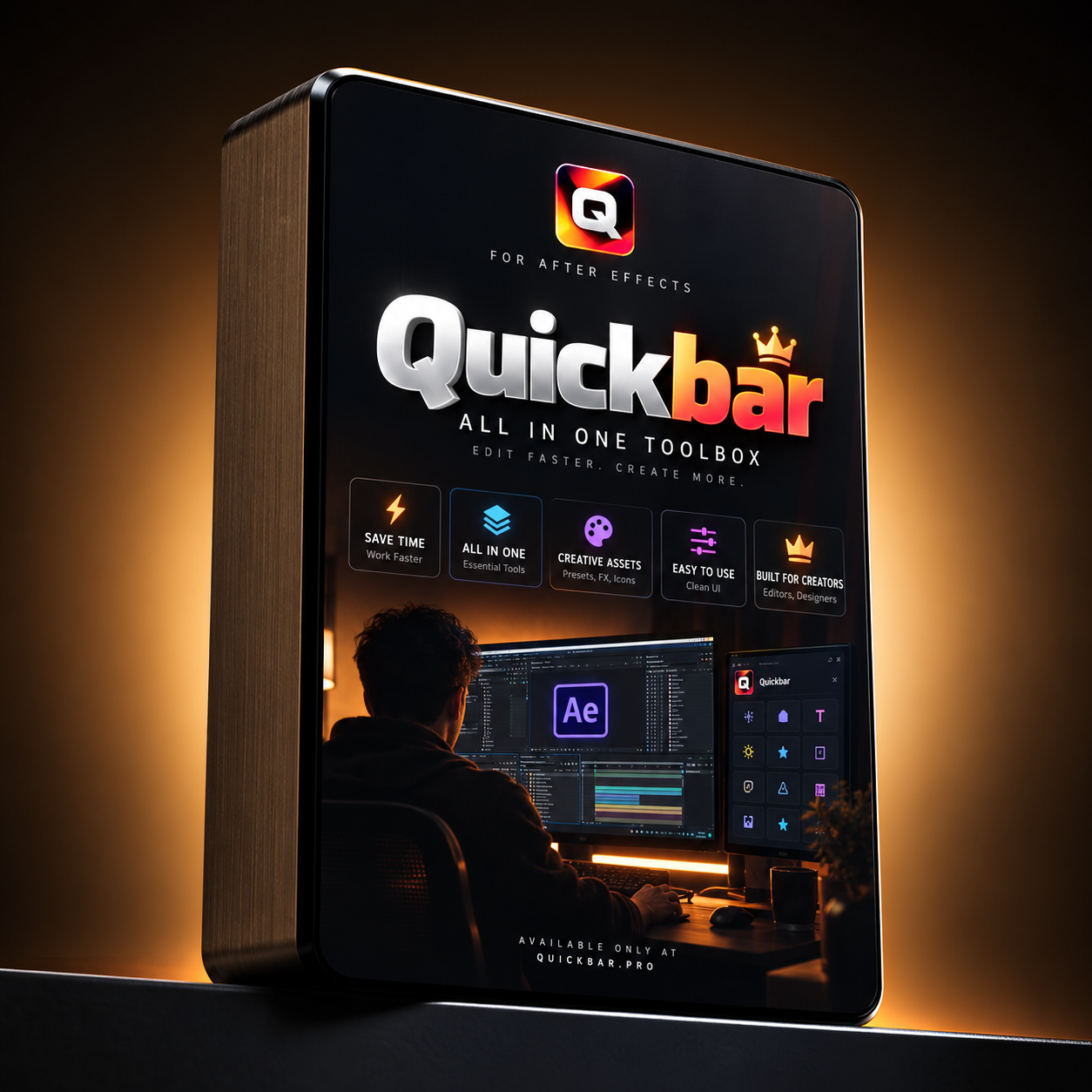
Top banner · always one click away
- Null
- Adjustment
- Text
- Bounce
- Elastic
- Quick Morph
- Precomp
- Separate precomp
- Un-precompose
- Paste Image/SVG
- Loopy
- Rubberize
Inside the panel
Ten tabs. Everything you reach for, one click away.
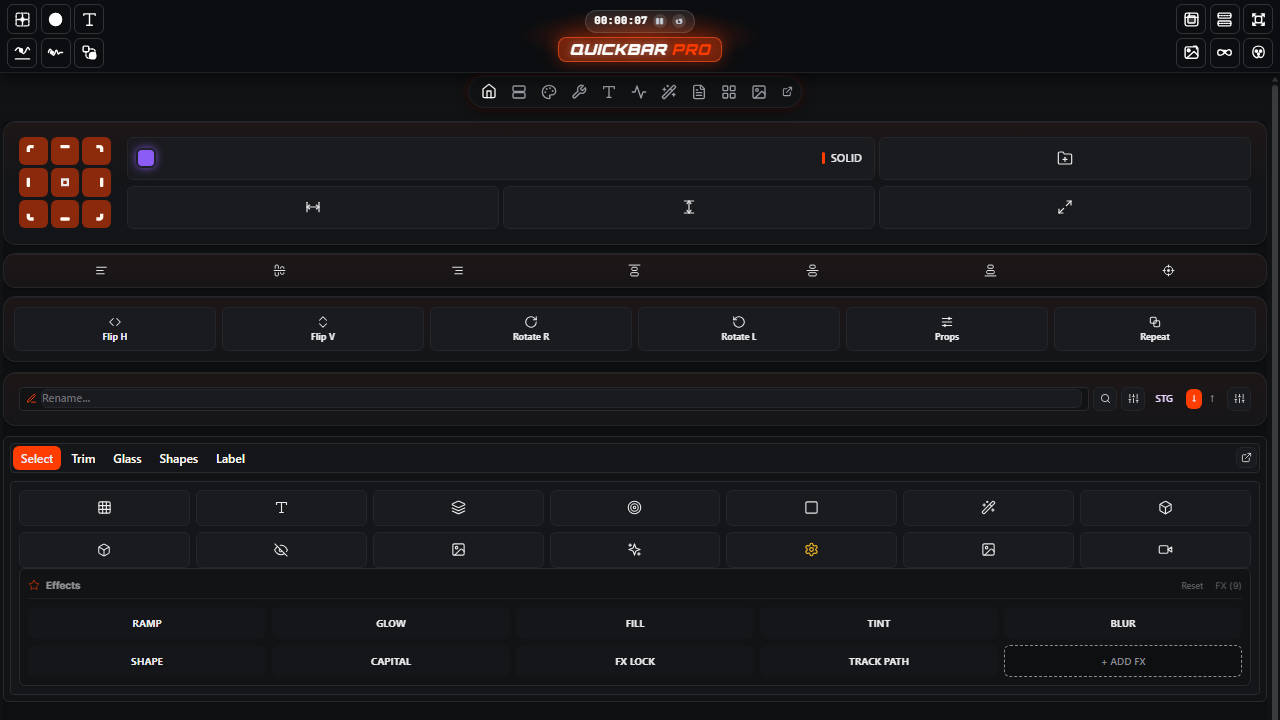
Align and anchor
A 3×3 anchor grid and align row. Snap layers to the frame or to each other in one click.
Quick transform
Flip H and V, rotate left and right, repeat, and edit properties in one row.
Bulk rename and stagger
Rename many layers at once. Stagger layers in or out with a direction you pick.
Global search
Press Ctrl+K to find any tool, layer or command.
Select, trim, glass, shapes, labels
Quick strips for selecting, trimming, glass, shapes and labels.
Features in depth
The big tools, explained.
Carousel Pro
80 carousel styles in one page, plus 10 Classic carousels and a Media Carousel builder with 12 layouts. Each style is driven by After Effects expressions, so you tweak sliders instead of keyframes.
G Transition
Grid and custom transitions with 87 presets. 11 cell shapes, 10 motions, 14 reveal orders, and an Ink/Goo mode for liquid edges. Live preview before you build.
Liquid Glass
Glass shapes with refraction, blur, glow, specular light and shadow. Set the size, corner round and light angle from one panel.
RageFX
UI animations, text animations, transitions, lower thirds, text plates, editorial pieces, backgrounds and sound effects, with hover previews.
Dependency map
See how your comps, precomps and footage connect. Node view with zoom, pan and collapse. Double-click any node to jump to it in After Effects.
Comp Saver
Save any comp with a preview image and import it into another project later as a layer.
Captions
Edit SRT files, generate captions with AI transcription and check spelling, without leaving After Effects.
Storyboard
An infinite board for shots and notes. Pull the media from the layers you select in your comp.
Footage relinker
Find missing footage and relink it from a folder. Matches are checked automatically.
Number counter
Animated counters with formats, currency, compact K/M/B numbers, Indian digit grouping and easing.
Easing graph
Draw easing curves by hand and reuse them. Smooth, bouncy or sharp motion in seconds.
Text kits
TxtKit text animations and kinetic text, with a live preview.
Questions people ask.
- What is Quickbar Pro?
- Quickbar Pro is an After Effects plugin. It puts the tools you use most in one panel: alignment, transforms, precomps, shapes, text, carousels, transitions, captions and footage tools.
- How much does it cost?
- $2 one-time. No subscription. A Team licence is $2 per seat.
- Does it work with Adobe After Effects?
- Yes. Quickbar Pro is built for Adobe After Effects. Premiere Pro, DaVinci Resolve and Final Cut Pro plugins are coming soon.
- How many devices can I use it on?
- A Single licence covers 2 devices. A Team licence covers one device per seat you buy.
- Is there a subscription?
- No. You pay once and keep the plugin.
From the blog
Read the full guides.
9 min read
Quickbar Pro: a guide to every panel in the plugin
A tab-by-tab guide to Quickbar Pro for After Effects: the top banner, the ten tabs, what each one does and when to use it.
10 min read
Carousels, G Transition and the dependency map: how the big tools work
How Carousel Pro, Classic carousels, G Transition, Liquid Glass, RageFX, the dependency map and Comp Saver work inside Quickbar Pro.
Quickbar Pro for $2.
One payment. Keep it. Works in Adobe After Effects.